





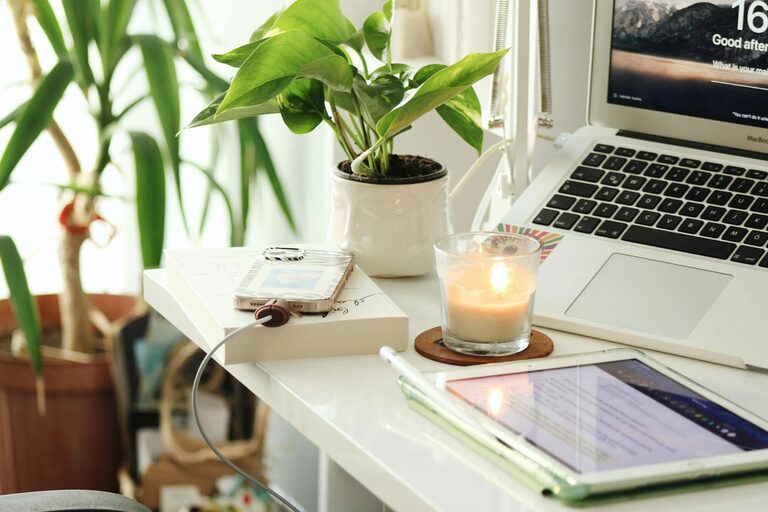
Creating a productive home office space is essential for anyone working remotely or managing tasks from home. A well-designed workspace helps improve focus, reduce distractions, and increase efficiency. Whether you have a dedicated room or just a small corner, you can make your home office inviting and functional with a few thoughtful steps. Here are some practical tips to help you create a home office space that supports your productivity.
1. Choose the Right Location
Find a Quiet Spot
Select a place in your home where you can work with minimal interruptions. Avoid busy common areas like the living room or kitchen if possible. A quiet corner, spare room, or even a section of the bedroom can work well.
Consider Natural Light
Natural light has been shown to improve mood and focus. Set up your desk near a window if you can. This not only reduces eye strain but also helps keep you energized throughout the day.
2. Invest in Comfortable Furniture
Ergonomic Chair
A good office chair supports your posture and reduces the risk of pain from sitting for long hours. Choose an ergonomic chair with adjustable height and lumbar support.
Desk at the Right Height
Your desk should allow you to sit with your feet flat on the floor and your arms at a comfortable angle. If space is limited, consider adjustable or foldable desks.
3. Organize Your Workspace
Declutter Regularly
Keep only necessary items on your desk. Clutter can be distracting and stressful. Use organizers, trays, or shelves to keep supplies tidy and within reach.
Use Storage Solutions
Drawers, filing cabinets, or storage boxes help keep documents and office essentials orderly. Label items clearly so you can find things quickly.
4. Optimize Your Technology Setup
Reliable Internet Connection
A strong and stable internet connection is essential for video calls, cloud work, and online research. If your Wi-Fi is inconsistent, consider using an Ethernet cable or upgrading your router.
Quality Monitor and Accessories
Using an external monitor, keyboard, and mouse can improve comfort and reduce eye and wrist strain compared to working solely on a laptop.
Manage Cables
Cable clutter can make any space look messy. Use cable organizers, clips, or sleeves to keep cords neat and out of the way.
5. Personalize Your Space
Add Plants or Artwork
Including some greenery or your favorite art can make your office more inviting and less sterile. Plants also help improve air quality and create a calming atmosphere.
Use Color Wisely
Choose calming or inspiring colors for your walls and décor. Blue and green hues are known to promote concentration and relaxation, while bright colors might energize you.
6. Set Boundaries and Routines
Define Work Hours
Set specific times for starting and ending your workday. This helps separate work life from personal time, reducing burnout.
Create Rituals
Begin your workday with a routine, like a cup of tea or reviewing your daily goals. Rituals signal your brain that it’s time to focus.
Minimize Distractions
Use apps or tools to block distracting websites and mute notifications during work hours. Inform household members of your schedule to avoid interruptions.
7. Pay Attention to Lighting
Use Layered Lighting
In addition to natural light, incorporate overhead lighting and a desk lamp. Proper lighting prevents eye fatigue and keeps your workspace bright even in the evenings.
Reduce Glare
Position screens to avoid glare from windows and lights. Anti-glare screen protectors or adjustable blinds can help.
8. Maintain Good Air Quality
Ventilate Your Space
Open windows when possible to bring fresh air in and reduce stuffiness. Good ventilation supports alertness and comfort.
Keep It Clean
Dust and allergens can affect your health and concentration. Regularly clean your office space, including electronics and floors.
Conclusion
Creating a productive home office doesn’t require a big budget or a large room. By focusing on comfort, organization, lighting, and boundaries, you can design a space that helps you work efficiently and feel motivated. Remember, your home office should support your specific needs, so experiment and adjust your setup until it feels just right.
Implement these tips gradually, and enjoy a more productive and enjoyable work-from-home experience!




More Stories
Tips for Creating a Cozy and Inviting Home Office Space
Tips for Creating a Cozy and Productive Home Office Space
Tips for Creating a Relaxing Home Workspace to Boost Productivity